 Onde Estou?
The app that speaks your location out loud!
One tap. Street, number, and neighborhood.
-
 Street, number, and neighborhood
-
 Configurable repeat (15, 30, and 60 sec)
-
 Works with the screen off
-
 Accessible

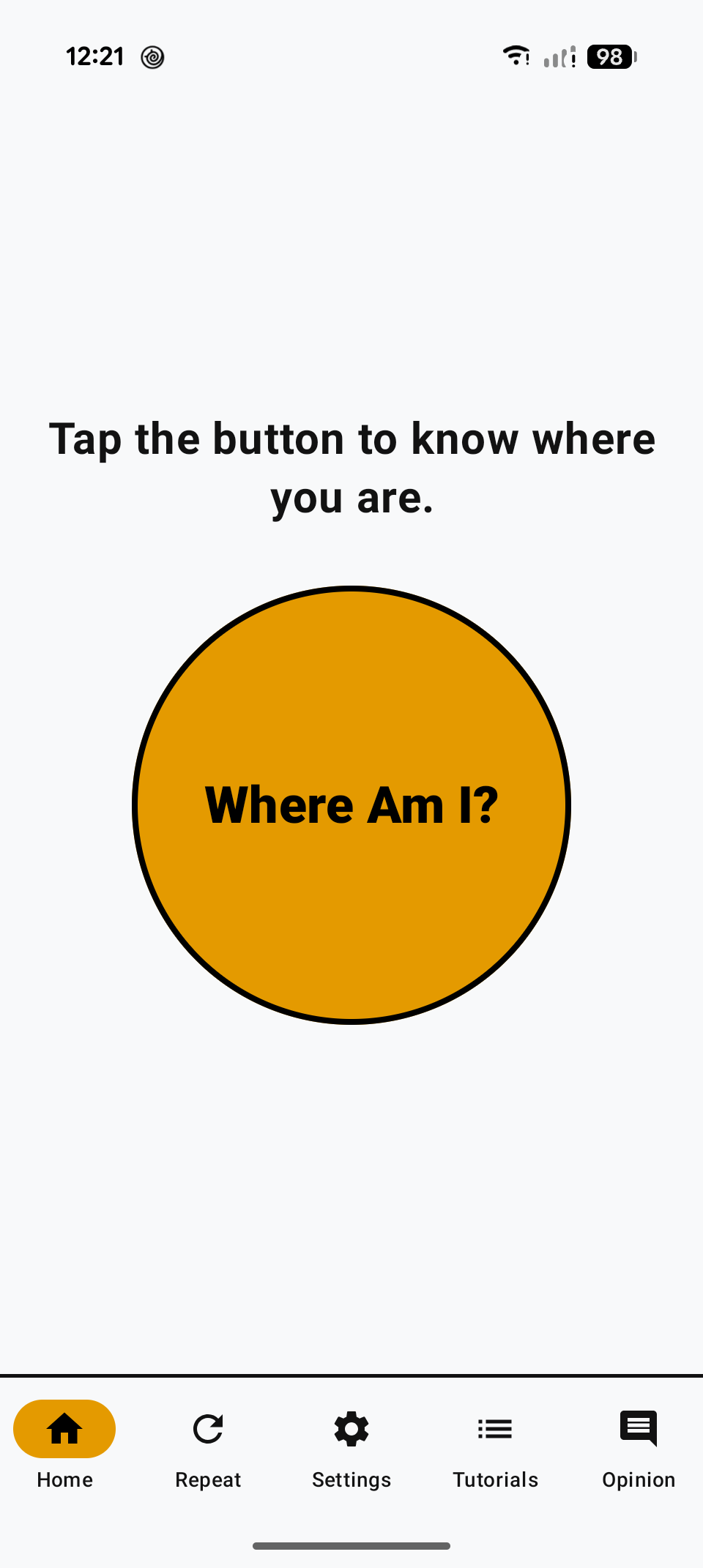
Quick location with just one tap on the Onde Estou? button.
-
Open the app.
-
Tap the Onde Estou? button.
-
Hear and see your location.
It’s not a map. It’s your location, now.
Spoken location with street name, number, and neighborhood.
Out loud and written large on the screen.
You are near Rua Marquês de Abrantes, number 82, Flamengo.
If you want, send it to someone.
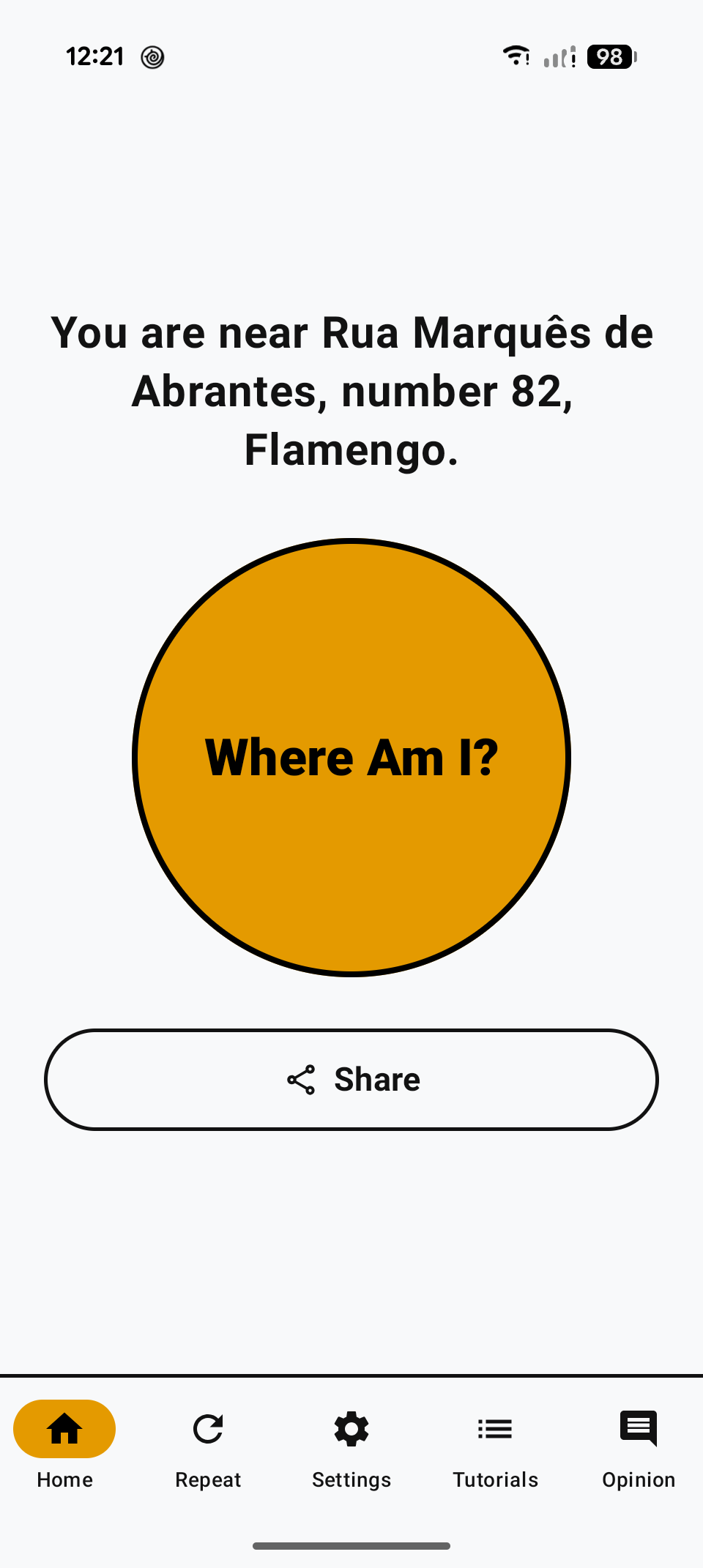
Automatic repeat along the way, even with the screen off.
Choose 15 seconds, 30 seconds, or 1 minute and leave your phone in your pocket.
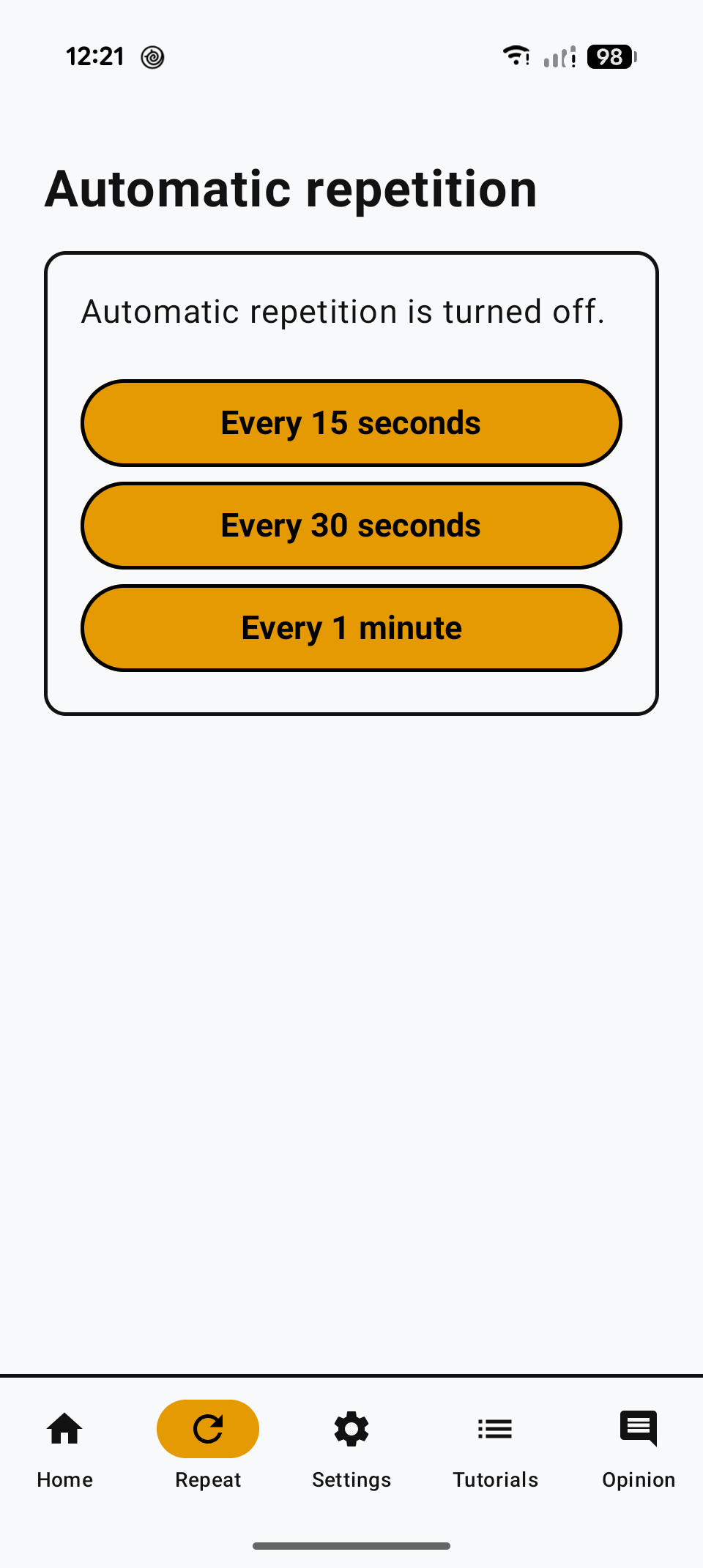
Personalize the theme and the app settings.
The app itself tells you if everything is ready: precise location, background battery, and lock-screen alerts.
-
Location
Location is on and set to precise. Ready to use the app.
-
Battery and background
Battery allowed to run in the background.
-
Lock-screen notifications
Notifications enabled for lock-screen controls.
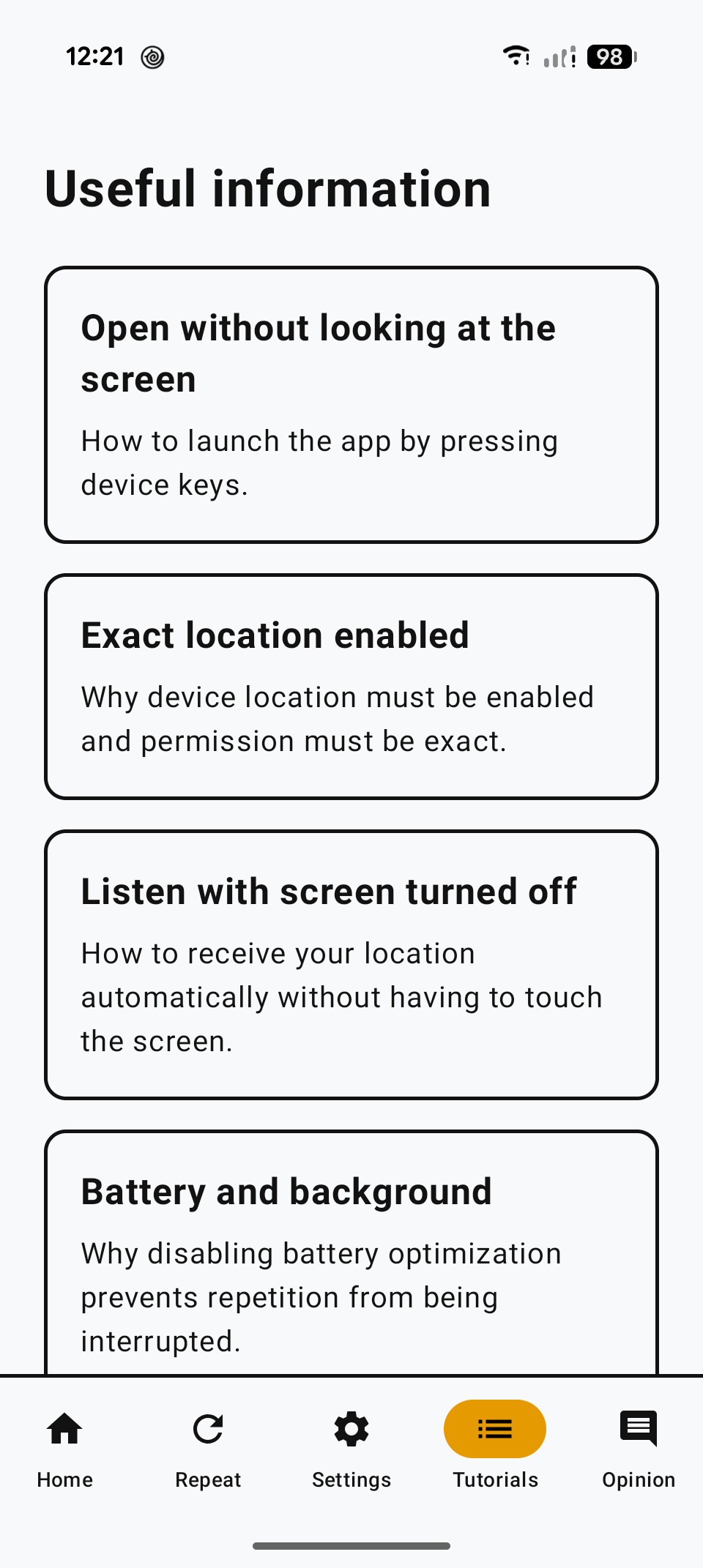
Practical tutorials with usage tips and shortcuts.
Learn how to open the app without looking at the screen, listen with the screen off, and what each permission does.
-
Open without looking at the screen
Use the device keys to open the app without hunting for the icon.
-
Precise location enabled
Precise location is what lets it speak the street and number, not only the neighborhood.
-
Listen with the screen off
With repeat on, the location keeps being spoken with the screen off.
For anyone who wants the location now, without a map.
-
Passing through a place
You’re somewhere and want the street name.
-
Without fussing with a map
You’d rather tap a button than use Google Maps.
-
Save the location
You want to save or send the location right away.
-
Listen instead of look
You’d rather hear it than keep looking at the screen.
-
Family
Get “you are near…” without a map screenshot.
It was built for people with low vision and became simple enough for many people to use.
Frequently asked questions
Do I need the internet?
To speak the street name, number, and neighborhood, yes. Without internet, the app still gets your position and speaks the coordinates.
Does it use a lot of data?
No. It takes a few kilobytes to identify the location. The app does not serve ads.
Is this tracking? Can someone see me all the time?
No. Nobody follows you live. Sharing sends only that moment’s location, if you choose to send it.
Does it work with the screen off?
Yes. With automatic repeat on, the location keeps being spoken with the screen off.
Do I need an account? Is it free?
No account needed. It’s free.
Which devices does it work on?
Android devices only; there is no version for iOS iPhone.
What if I don’t want it to speak out loud?
In Settings, turn off the app voice. The location stays written on the screen.